ADOBE ACROBAT SIGN ALTERNATIVE

A straightforward Adobe Acrobat Sign alternative for everyday e-signing.

Send PDFs for signature and keep the signed document, certificate, and audit pack without adopting a broader PDF productivity suite when that is not what your team needs.

Vukorix Business costs USD $9.99/month with 3 seats included, plus client uploads, secure sharing, reusable PDFs, Smart Forms, and two-way exchange.

No credit card required. No per-document or per-signature charges. Storage and file-size limits apply.
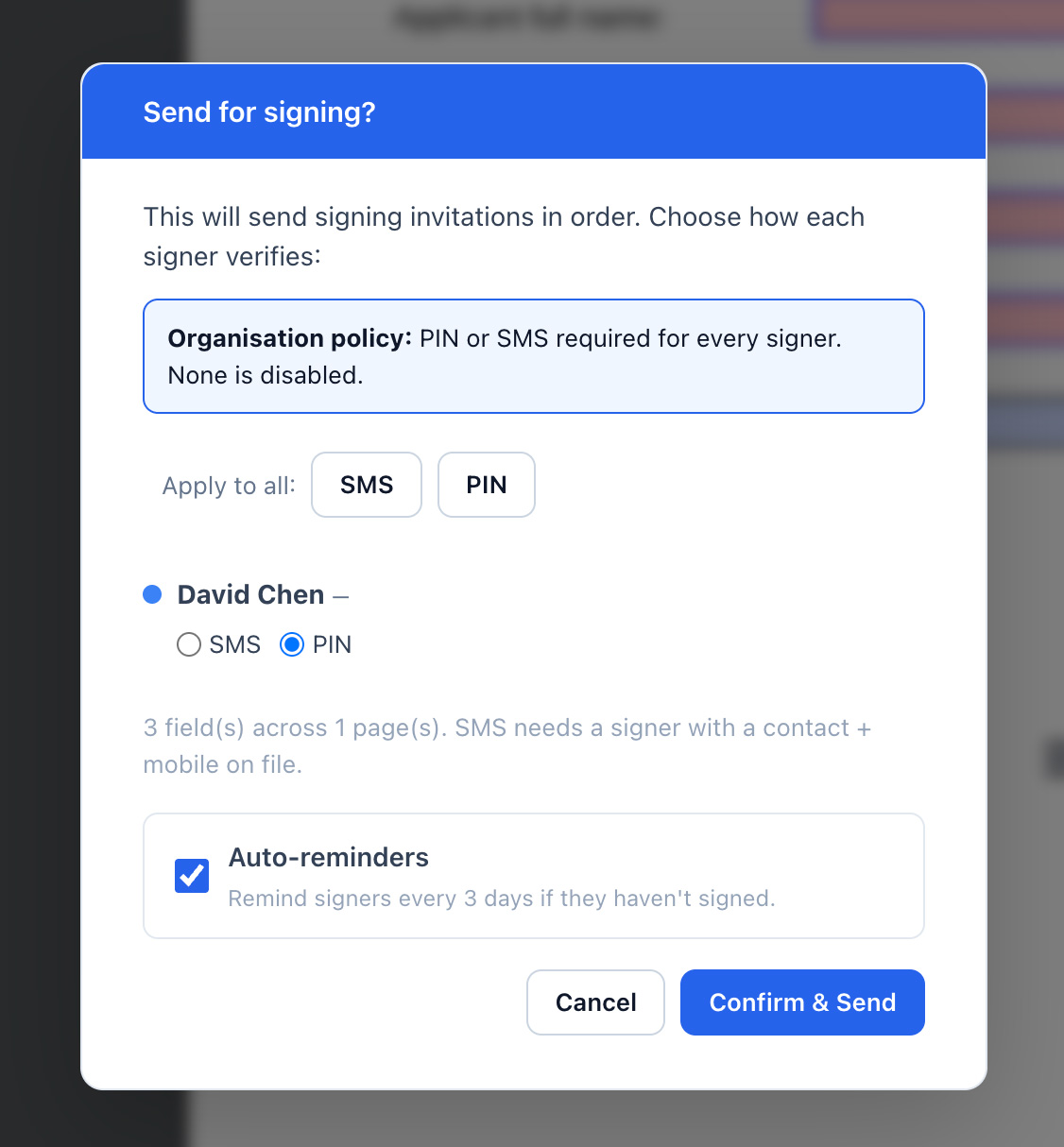
Vukorix E-Sign interface showing a PDF signing task and completed document status
VUKORIX E-SIGN

Send the PDF. Get it signed. Keep the completed record.

Vukorix covers the everyday signing job from document preparation to the finished result.

Prepare the PDF

Upload the document and place the required signature, initials, date, and name fields.

Send the signing link

Recipients complete the requested fields without creating a Vukorix account.

Keep progress visible

Track the signing status and use reminders on supported signing tasks.

Download the completed record

Receive the signed PDF, certificate page, and separate audit-pack PDF.

Vukorix does not charge per document or signature. The organisation storage allowance and workflow file-size limits still apply.

PUBLIC E-SIGN PLAN COMPARISON

Compare the public plan cost when e-signing is the main requirement.

These plans are not identical. This comparison uses the publicly listed plan most relevant to a business evaluating e-signing.

Pricing detailVukorix BusinessAdobe Acrobat Pro for teams
Public plan reviewedVukorix BusinessAdobe Acrobat Pro for teams
Published base priceUSD $9.99/month, 3 seats includedA$37.99/month per licence, including GST
Billing basisMonthly, no required annual contractAnnual plan, billed monthly
Licence basis3 seats included; extra seats USD $2.99/monthPer-licence pricing, with a free trial for up to 10 licences
Published plan focusSigning, client uploads, secure sharing, reusable PDFs, Smart Forms and exchangeAdvanced PDF editing, conversion, e-signature tools, integrations and administration features

Swipe to compare public plan details.

Prices and product information reviewed June 2026. Currencies are shown as published and have not been converted. Products differ in scope, limits, integrations and support.

ALSO INCLUDED

Five more document tools in the same subscription.

E-Sign is only one part of Vukorix Business. These five products are included without adding another subscription.

Secure Receive

Request client documents through one checklist and upload link.

Secure Share

Share sensitive files through controlled links with expiry, view limits, and optional access checks.

Secure Exchange

Collect client files and send documents back through the same organised exchange.

Document Library

Keep approved PDF templates ready and start fresh E-Sign drafts.

Smart Forms

Add fields to existing or scanned PDFs and receive completed documents back through Secure Receive or Secure Exchange.

Vukorix Business includes 10 GB of organisation storage. Workflow file-size limits apply.

CHOOSE BASED ON FIT

Choose based on what your business needs beyond the signature.

Vukorix may suit your business when...

  • straightforward e-signing is the primary requirement
  • you already have the PDFs your business uses
  • you need client uploads and controlled file sharing
  • reusable PDFs, Smart Forms, and exchange are useful
  • you do not need an advanced desktop PDF productivity suite

Adobe may remain the better fit when...

  • advanced PDF editing and conversion are primary requirements
  • Microsoft 365 or SharePoint integration is essential
  • broader Adobe PDF productivity tools are required
  • licence administration across Adobe products is important
  • your organisation already standardises on Adobe Acrobat
FAQ

Common questions.

Is Vukorix affiliated with Adobe?

No. Vukorix is independent and is not affiliated with, endorsed by, or sponsored by Adobe.

Can Vukorix replace Adobe Acrobat Sign for everyday e-signing?

Vukorix can prepare PDFs for signature, notify recipients, track status, and return the signed PDF with a certificate page and audit-pack PDF.

What records do I receive after signing?

A completed E-Sign document includes the signed PDF, a certificate page, and a separate audit-pack PDF.

Does Vukorix charge per document or signature?

No. Vukorix does not charge per document or signature. The subscription includes 10 GB of organisation storage, and workflow file-size limits apply.

What else is included with Vukorix E-Sign?

Secure Receive, Secure Share, Secure Exchange, Document Library, and Smart Forms are included in Vukorix Business.

When might Adobe remain the better fit?

Adobe may remain the better fit when advanced PDF editing, document conversion, Microsoft 365 or SharePoint integration, or broader Adobe administration features are central to the requirement.

Send your next PDF for signature with Vukorix.

Start with a 7-day free trial. No credit card required.

Adobe, Adobe Acrobat and Adobe Acrobat Sign are trademarks of Adobe Inc. Vukorix is independent and is not affiliated with, endorsed by or sponsored by Adobe.