Mortgage and finance documents

Collect client documents and keep finance applications moving.

Request income documents, statements, and supporting files, send authorities or agreements for signature, and return documents through one organised client exchange.

$9.99/month. 3 seats included. No credit card required.

Why Vukorix

Spend less time chasing files and more time progressing the application.

Give clients a clear document list

Show exactly what is required and what remains outstanding.

Keep the application moving

Use notifications and reminders on supported tasks to reduce manual follow-up.

Keep documents connected

Incoming files, signed documents, and files returned to the client remain connected to the relevant task.
Secure Receive

Collect supporting documents through one organised request.

Request statements, income documents, identification documents, and other client-supplied files through a clear checklist.

  1. List the required and optional items
  2. Send one client request link
  3. Review what has arrived and what still needs attention
Explore Secure Receive →
E-Sign

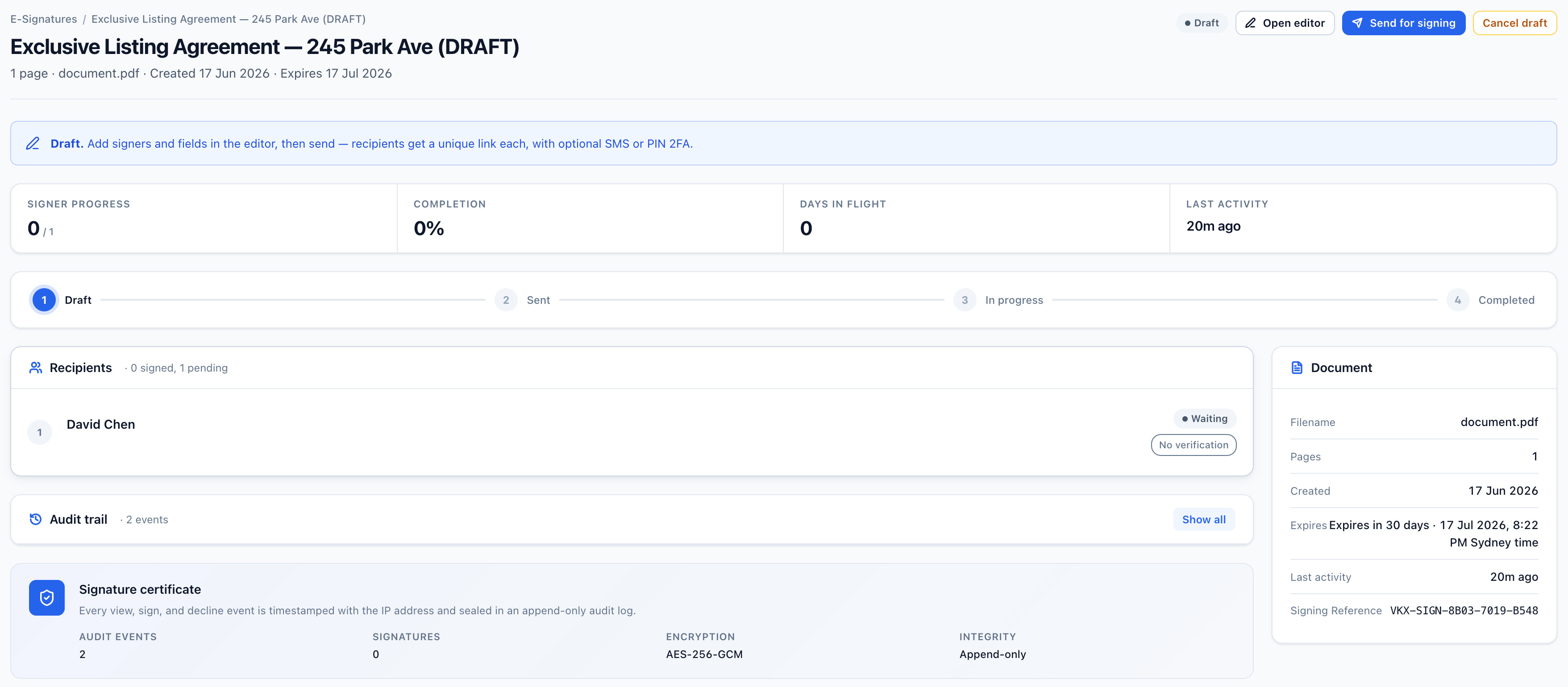
Send authorities and agreements for signature.

Prepare the PDF, notify the recipients, and keep the completed document and audit certificate together.

  1. Upload the PDF and place the fields
  2. Send the signing link
  3. Download the signed PDF and audit certificate
Explore E-Sign →
Vukorix E-Sign editor showing a PDF with signature, date and name fields placed for a signer
Secure Exchange

Collect files and send documents back in one place.

Keep client uploads, outgoing documents, messages, and the completion record connected to the same exchange.

  1. Request the files you need
  2. Review what arrives and send documents back
  3. Keep the incoming and outgoing items together
Explore Secure Exchange →
For clients

One clear place for the client to respond.

Clients receive a focused link for the documents, signature, or action required, while your team can see what remains outstanding.

Recommended Vukorix tools: Secure Receive · E-Sign · Secure Exchange · Smart Forms

FAQ
What client documents can I request?

Use Secure Receive to request statements, income documents, identification documents, and other supporting files through one checklist.

Do clients need a Vukorix account?

For most recipient tasks, no. Clients open the link to upload files, sign, complete, or access the requested document.

Can I send documents back to the client?

Yes. Secure Exchange lets your team collect files and send documents back through the same organised exchange.

Does Vukorix verify identity or determine finance compliance?

No. Vukorix can collect identification documents and provide recipient access checks, but it does not independently verify identity or determine regulatory compliance.

Keep finance documents moving without the email chase.

Try every Vukorix product for 7 days. No credit card required.